
Creating a how-to video is one of the most effective ways to share knowledge and teach new skills, whether you’re showing someone how to bake a cake, fix a device, or use software.
With the rise of online learning and the popularity of platforms like YouTube, instructional videos have become a go-to resource for people seeking practical advice and guidance.
But making a great how-to video is not as simple as pointing a camera and explaining a task. There’s a lot of planning, scripting, and editing that goes into creating content that’s both informative and engaging.
In this article, we’ll walk you through expert tips on how to plan, record, and edit a professional-looking instructional video. From determining the right topic to structuring your video and adding visual elements, these tips will help ensure your video is clear, concise, and effective.
Whether you’re a beginner or have some experience in video creation, these actionable steps will guide you through the entire process. So, if you’re ready to turn your knowledge into a polished video that educates and captivates, keep reading. We’ll help you create a how-to video that delivers results!
10 Tips for Creating Great Instructional Videos
Creating a great instructional video starts with having a clear goal in mind—know exactly what you want to teach and focus on key points to keep it simple and understandable.
Planning is essential, so create an outline or storyboard to organize your content and visualize each shot. Writing a script helps you stay on track and ensures the instructions are clear and concise.
Keeping the video short, ideally between 3 to 10 minutes, helps maintain viewer attention, but if the topic is complex, consider breaking it into smaller videos. Visuals, like images, diagrams, or on-screen text, can enhance understanding and reinforce key ideas.
Ensure high-quality audio by recording in a quiet space with a good microphone, as clear sound significantly improves the video’s quality.
Editing is another crucial step—cut out unnecessary sections, smooth transitions, and make sure the video flows logically. Add a short intro to grab attention, and end with a call to action, such as directing viewers to more resources.
Finally, test your video before publishing to ensure everything works well, and always ask for feedback to improve future videos. By following these tips, you’ll be able to create an instructional video that is both engaging and educational.
1. Start by Thinking About What You Want to Teach
The first step in making a great how-to video is figuring out exactly what you want to teach your audience. Consider what your viewers need or want to learn and focus on that topic.
Keep in mind that you should aim for clarity and simplicity, especially if you’re addressing beginners or people who have no prior knowledge of the subject.
Ask yourself:
- What’s the most important thing I want the viewer to learn?
- Who is my audience, and what is their level of understanding?
- What can I teach in a short amount of time without overwhelming them?
By having a clear goal for your video, you set yourself up for success right from the start.
2. Create an Outline or Storyboard for Your Instructional Video
Before you dive into recording, it’s important to plan your video. This is where outlining and storyboarding come in. An outline will help you organize the key points you want to cover, while a storyboard will give you a visual representation of what each scene will look like. By having these elements, you can stay on track and ensure that your video flows logically.
Outlining your steps will help prevent you from missing crucial information, while storyboarding gives you a clear picture of each shot and scene. Both tools make the recording process much smoother and more organized.
3. Write the Script for Your How-To Video
Once you have your outline and storyboard ready, it’s time to write your script. A script will guide you through the narration, ensuring that you don’t forget important points or miss out on details that might confuse your viewers. Even if you’re just recording a voiceover, a script helps keep things on track.
Be sure to:
- Use simple, easy-to-understand language.
- Break down complex ideas into small, digestible chunks.
- Keep your tone friendly and approachable.
A well-written script helps you stay focused and keeps the video concise and to the point.
4. Make Sure the Length is Right for Your Audience
When it comes to instructional videos, brevity is key. The length of your video should be appropriate for your topic, but it should also match your audience’s attention span. A good rule of thumb is to keep your how-to videos between 3 to 10 minutes. This gives you enough time to explain everything thoroughly without losing the viewer’s interest.
If your topic requires more time, consider breaking it into a series of shorter videos. That way, you can dive deeper into the material while maintaining the viewer’s focus.
5. Think About What Visuals You Could Include in Your How-To Videos, Like Images or Diagrams
Visuals play a crucial role in how well your audience understands the content. While explaining something, consider adding relevant images, graphics, or diagrams to help clarify complex ideas.
For example, if you’re teaching a DIY project, showing close-up images of the materials will help your viewers follow along more easily.
- Add on-screen text to highlight important points.
- Use arrows or animations to show movement or steps.
- Consider including before-and-after shots if applicable.
The more visual support you provide, the easier it will be for your audience to absorb the information you’re sharing.
6. Record the Voiceover for Your Instructional Video Tutorials
A good voiceover can make all the difference in your how-to video. Your voice should be clear, enthusiastic, and easy to follow. Don’t rush through your script—speak slowly enough that your audience can understand each step, but keep it engaging and dynamic.
Here are some tips for recording an effective voiceover:
- Find a quiet space to minimize background noise.
- Use a high-quality microphone for better sound clarity.
- Record in small sections and edit as you go to ensure the best quality.
Good audio will keep your viewers engaged and improve the overall experience of watching your video.
7. Edit & Test Your Video Before Creating the Final Version
After recording, the next step is editing. Editing is where you can clean up the video, remove mistakes, and add in elements like music or graphics. It’s important to test your video to ensure it flows smoothly and all the points are clear.
Things to check during editing:
- Trim unnecessary sections to keep the video focused.
- Ensure the audio is in sync with the visuals.
- Add transitions between scenes to make the video more professional.
Testing your video also involves getting feedback from someone else. A fresh pair of eyes can spot any confusing parts or technical issues you might have missed.
8. Add a Short Intro to Your Video
A short, engaging intro can help set the tone for your how-to video. Your intro should briefly explain what the video is about and grab the viewer’s attention right away.
However, keep it short—about 10-15 seconds should be plenty of time to introduce the topic and get into the main content.
You can also include a call to action in your intro, like asking viewers to subscribe or follow you on social media for more helpful tutorials.
9. Tell Viewers How They Can Get More Info
At the end of your video, provide clear instructions on where viewers can go if they want to learn more about the topic.
Whether it’s linking to a blog post, offering additional resources, or directing them to a related video, giving your viewers a next step keeps them engaged and gives them more value.
If you have a website or a social media page, don’t forget to mention it in the video and encourage people to connect with you.
10. Post Your Video
Once your video is polished and ready to go, it’s time to post it online. Choose the right platform based on where your audience is. Popular platforms for how-to videos include YouTube, Vimeo, and social media platforms like Instagram and Facebook.
Remember to include a catchy title, a detailed description, and relevant tags to help your video get discovered. If possible, include a transcript of the video in the description for viewers who prefer to read or need accessibility accommodations.
Top Online Courses Creating Tools
When it comes to choosing the right platform for your online course business, there are several strong contenders in 2025.
Here’s a breakdown of some of the top platforms to consider.
1. Thinkific

Thinkific is a leading platform known for its robust course creation tools and ease of use. It allows you to create a variety of content types, including video, quizzes, and assignments.
Thinkific also offers a strong suite of marketing tools, including automated email campaigns and integrations with popular platforms like Mailchimp and Zapier.
2. Teachable
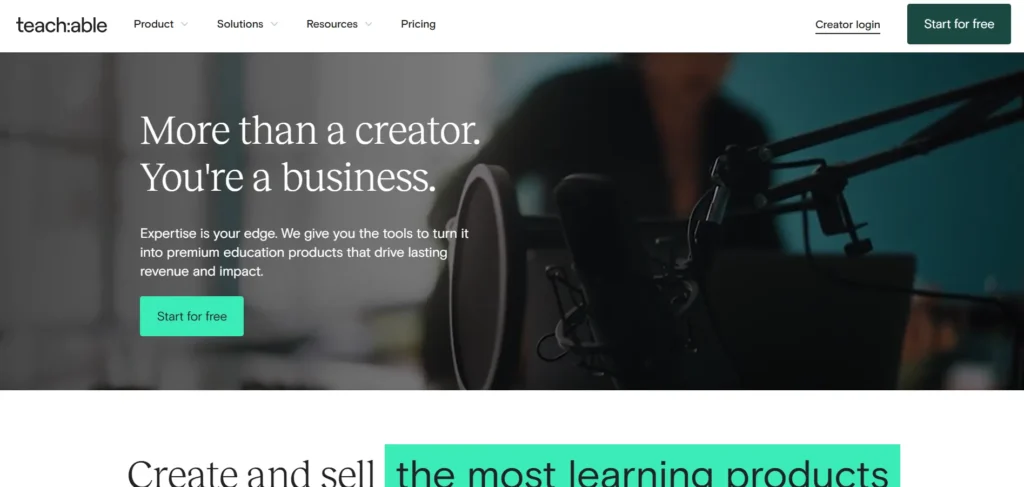
Teachable is another well-known name in the online course space. It’s user-friendly and allows you to easily create and sell courses.
The platform has a wide range of customization options, strong monetization features, and integrates seamlessly with third-party tools like PayPal and Stripe.
3. Kajabi
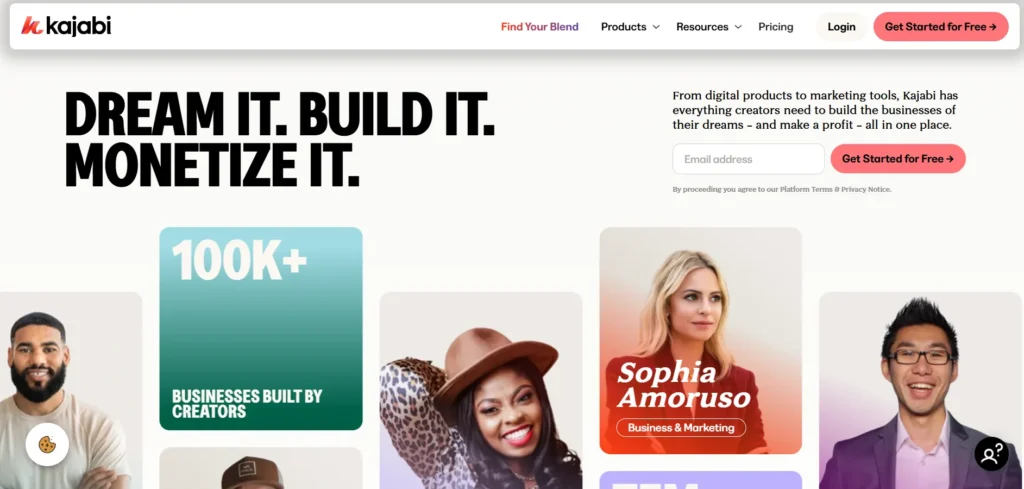
Kajabi is a powerful all-in-one platform for course creation, marketing, and sales. It provides advanced marketing tools like automated email sequences, landing pages, and sales funnels. Kajabi is particularly great for creators who want an all-inclusive solution for selling and managing their courses.
4. LearnWorlds
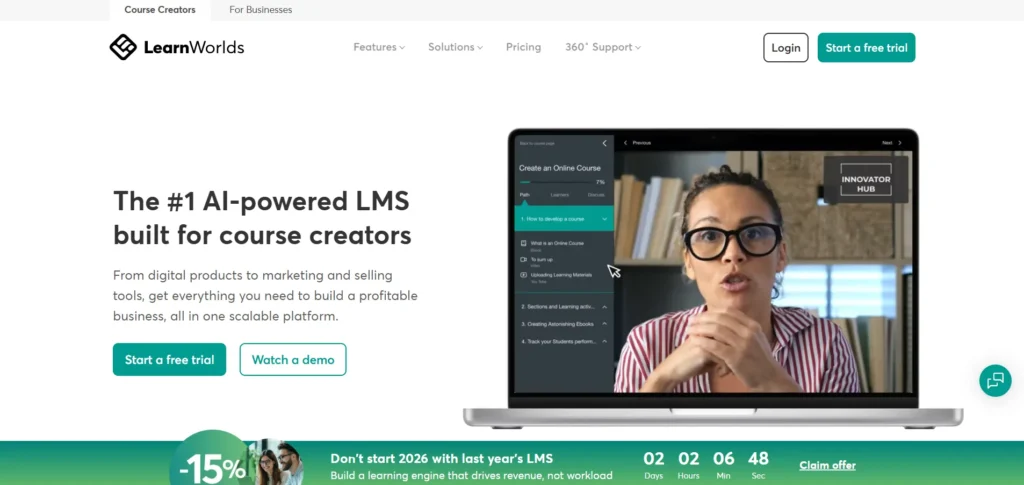
LearnWorlds stands out for its interactive features and advanced analytics. It’s designed to create highly engaging learning experiences with tools like video interactions and quizzes. LearnWorlds also provides excellent branding options and is known for its user-friendly interface.
5. Kartra
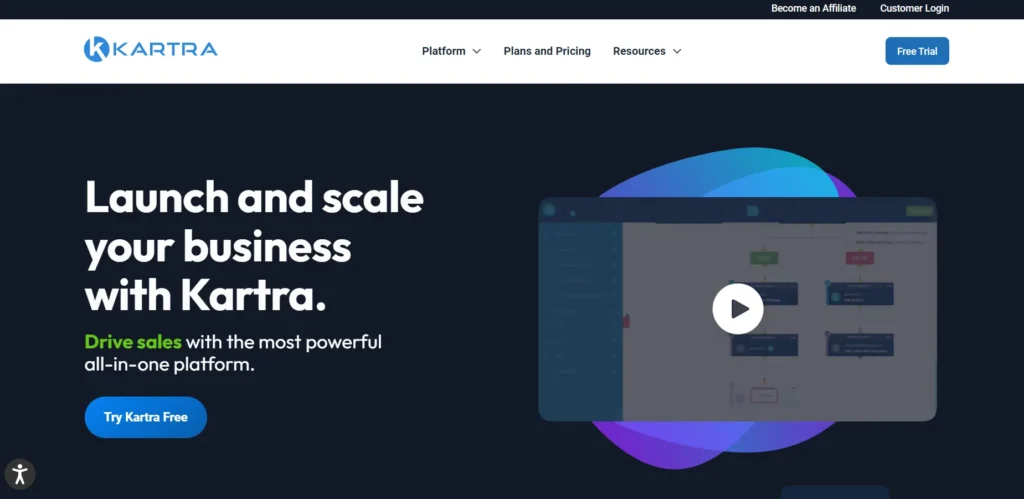
Kartra is a versatile platform that combines course creation with powerful marketing features. It provides an easy-to-use interface for building sales funnels, email marketing campaigns, and even membership sites.
Kartra is ideal for those who want a platform that combines both course creation and business management tools.
What is an Instructional Video?
An instructional video, also known as a how-to video, is a type of content designed to teach the viewer how to perform a specific task or learn a particular skill. These videos break down complex concepts or actions into simple, easy-to-follow steps.
Instructional videos are used for a wide range of topics, from cooking recipes and workout routines to tech tutorials and educational lessons.
The primary goal of an instructional video is to make learning easy and accessible, providing viewers with a clear guide to achieving a goal.
What makes instructional videos effective is their visual nature, as they engage the learner by showing rather than just telling. This visual aid, combined with concise and structured instructions, helps enhance understanding and retention of the material.
A Final Word on Creating a How-to Video
Creating a successful how-to video requires a mix of careful planning, clear communication, and technical skills. By following the expert tips outlined in this article, you’ll be able to craft a video that educates and engages your audience.
From scripting to editing, every step is an opportunity to refine your content and make it as valuable as possible.
The key to a great instructional video is simplicity. Don’t overcomplicate things; focus on the most important steps and communicate them clearly. With practice and persistence, you’ll find yourself creating instructional videos like a pro.
FAQs
How long should my instructional video be?
A good length for a how-to video is between 3 and 10 minutes. It should be long enough to cover all the important details but short enough to keep your audience’s attention.
What equipment do I need to create a how-to video?
You’ll need a good camera or smartphone with decent video quality, a microphone for clear audio, and video editing software. Tripods or stands can help stabilize your shots.
Do I need to include a voiceover?
While not strictly necessary, a voiceover adds clarity and helps guide your audience through the steps. It’s especially useful for explaining complex concepts or instructions.
Can I use music in my how-to video?
Yes, music can add a professional touch to your video. Just make sure you use royalty-free music or have the proper licenses to avoid copyright issues.
How do I promote my how-to video?
Share your video on social media, embed it on your website, and encourage viewers to subscribe or follow for more content. Engage with your audience by responding to comments and questions.