
Creating and marketing a free online course can be a rewarding way to share your expertise, build your brand, and connect with learners worldwide.
In 2025, the tools and platforms available to course creators have only grown more powerful and accessible. Whether you’re an experienced educator, an industry professional, or someone with a passion to teach, this comprehensive guide will take you through the step-by-step process to build, market, and successfully run a free online course.
Let’s break down each of the essential stages, from defining your course idea to launching, engaging with learners, and even monetizing (if you choose to do so).
1. Define Your Course Idea and Audience
Before you dive into creating your course, you need to decide what your course will be about. It’s essential to focus on a topic you’re passionate about and knowledgeable in. When choosing your course subject, keep these considerations in mind:
- What is your area of expertise? Think about your career, hobbies, or experiences. What skills have you mastered that others might want to learn?
- Is there demand for this topic? You want to ensure your course appeals to a sizable audience. Check platforms like Google Trends, Reddit, or Quora to understand what people are looking to learn.
- Who is your audience? Will your course cater to beginners, intermediate learners, or experts? Knowing your audience helps tailor your content, style, and teaching methods.
Once you’ve decided on your course topic, you’ll need to focus on understanding your audience even more deeply. Create a learner persona by asking questions like:
- What challenges or pain points are they facing?
- What motivates them to take this course?
- What is their preferred learning style (visual, auditory, hands-on)?
By clearly defining both your course idea and your audience, you lay a strong foundation for your course creation process.
2. Choose the Right Platform
With so many course-building platforms available, it can be tricky to choose the right one. There are several factors to consider, such as ease of use, customization options, and pricing. For 2025, here are some top choices for building a free online course:
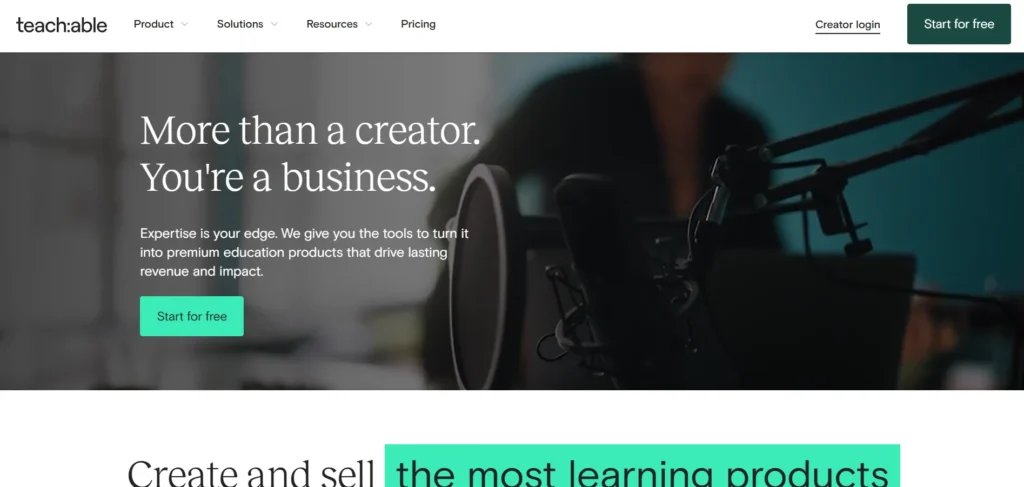
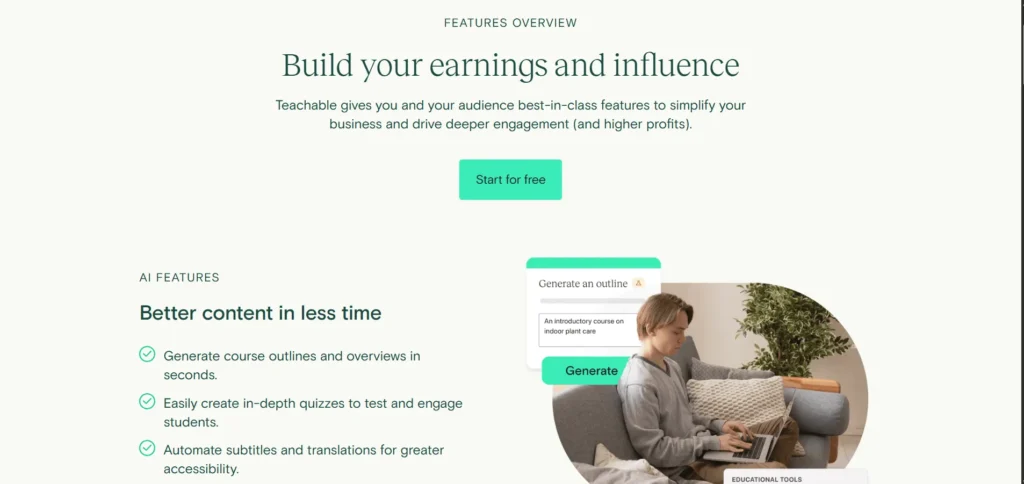
- Teachable: This platform is widely praised for its user-friendly interface and flexibility. Teachable has a free plan that offers basic features, making it a great starting point for beginners. However, some features, like advanced customizations and analytics, are only available on paid plans.
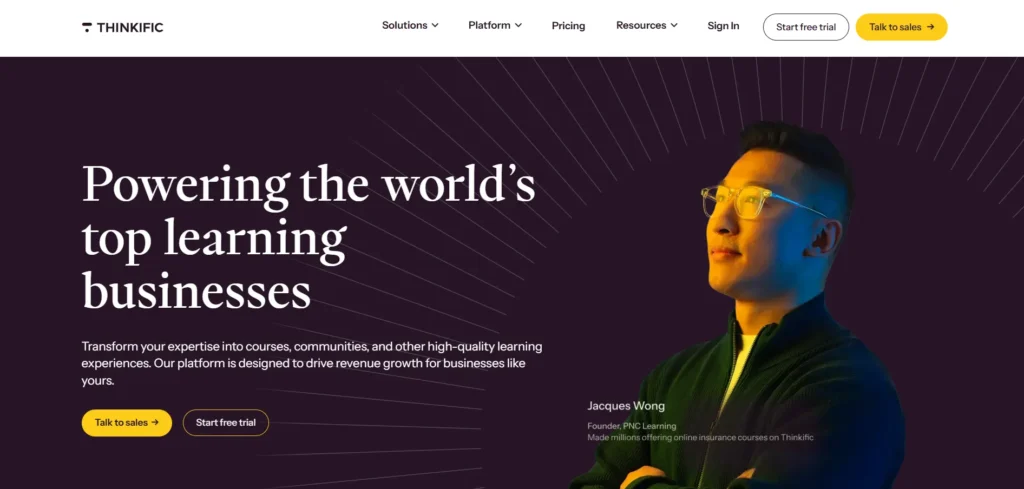
- Thinkific: Thinkific is another excellent option for building a free online course. It offers a free plan with essential features, including the ability to create and manage your course. Thinkific is known for its flexibility, ease of use, and scalability, making it an excellent choice if you plan to expand your courses over time.
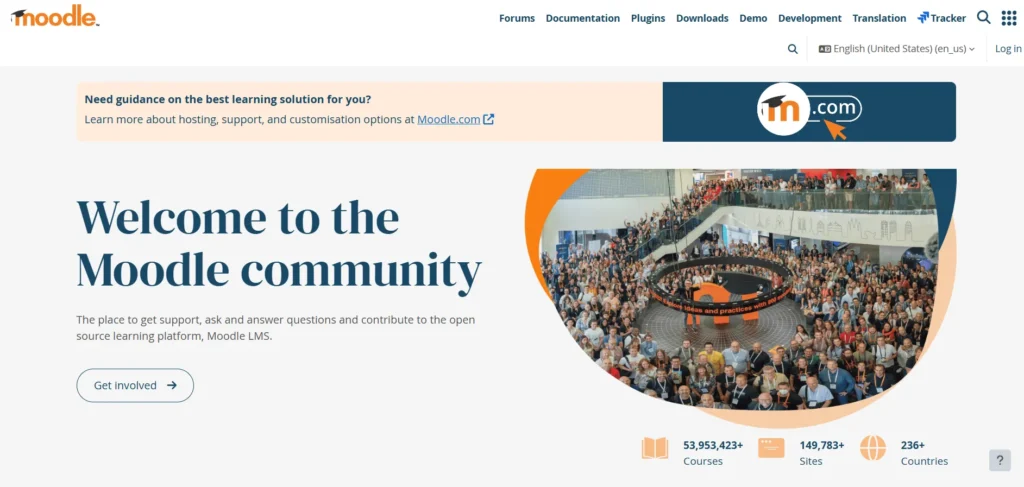
- Moodle: Moodle is an open-source learning management system that’s perfect for educators or institutions that need a high level of customization. While it’s free, it can require more technical setup and maintenance compared to platforms like Teachable or Thinkific. If you’re tech-savvy, Moodle can provide a lot of control over your course’s appearance and functionality.
- WordPress with LMS Plugins: If you already have a WordPress website, using LMS (Learning Management System) plugins like LearnDash or LifterLMS can be a cost-effective solution. You can host your course on your own website, giving you complete control. However, this setup requires more time and effort for customization and maintenance.
Each platform has its strengths, so choose one based on your technical skill level, the features you need, and your long-term plans for course growth.
3. Plan Your Course Content
Once you’ve chosen a platform, it’s time to map out your course content. A well-structured course will keep learners engaged and ensure they can easily follow the material. Here’s how to plan your course:
Break It Down Into Modules or Lessons
Think about your course as a journey. Divide it into manageable modules or lessons that logically build upon one another. Each section should be digestible, ideally lasting 10–30 minutes.
For example, if you’re teaching photography:
- Module 1: Introduction to Photography
- Lesson 1.1: Understanding Your Camera
- Lesson 1.2: Basic Composition
- Module 2: Advanced Techniques
- Lesson 2.1: Manual Mode Settings
- Lesson 2.2: Lighting Techniques
Define Learning Objectives for Each Lesson
Each lesson should have a clear learning objective. These objectives help learners understand what they will gain and keep them motivated. For example, after completing a lesson on camera settings, your objective might be, “By the end of this lesson, students will be able to adjust their camera’s exposure settings for different lighting conditions.”
Choose the Right Types of Content
People learn in different ways, so it’s essential to incorporate a mix of content types. Consider using:
- Video Lectures: Ideal for explaining complex concepts and showing demonstrations.
- Text and Slides: For learners who prefer reading or need reference material.
- Quizzes and Assignments: To test knowledge and keep learners engaged.
- Interactive Elements: For hands-on practice, like assignments or discussion boards.
4. Develop the Course Materials
Once your course structure is ready, it’s time to develop your materials. Here’s what you’ll need to get started:
Equipment for Creating Videos
If you’re planning to include video lessons, high-quality audio and visuals are crucial. You don’t need an expensive setup; a smartphone with a good camera can work fine. However, make sure you have:
- A decent microphone to ensure clear sound
- Good lighting (natural light or inexpensive ring lights work well)
- A quiet space to avoid distractions and background noise
You can use software like Camtasia or OBS Studio to record and edit your videos.
Creating Written Content
For non-video lessons, create clear and engaging written content. Organize your materials in an easily digestible format, and use visuals like screenshots, charts, and infographics to help explain concepts.
You can use tools like Canva for creating slides and infographics that visually communicate your points.
5. Set Up Your Course Website
Now that your course materials are ready, it’s time to set up your course website. Your platform will provide templates and tools to help you design your site. Here’s what you need to focus on:
- User Experience: Your website should be simple, intuitive, and easy to navigate. A clean, professional design with clear calls to action (CTAs) is essential.
- Course Pages: Include a detailed course description, curriculum outline, and a “start course” button.
- About and Contact: Provide an about page explaining who you are and what makes you an expert. A contact page is also essential so learners can get in touch with you.
- Mobile-Friendliness: Many people will access your course via mobile devices, so make sure your site is responsive and looks great on smartphones and tablets.
6. Market Your Course
Marketing is essential to ensure your course gets noticed. In 2025, digital marketing tools are more advanced than ever, and there are several strategies you can use to promote your free online course:
Social Media
Leverage platforms like Instagram, Twitter, Facebook, and LinkedIn to create awareness about your course. Share bite-sized content related to your course topic, post behind-the-scenes snippets, and engage with potential learners.
Email Marketing
Email marketing remains one of the most effective ways to communicate with your audience. Start by offering a lead magnet (e.g., an ebook or checklist) to build an email list. Then, use email campaigns to keep your subscribers updated about your course launch and share valuable content.
Influencer Partnerships
Partner with influencers or other content creators who share a similar audience. They can help promote your course and expand your reach.
Content Marketing
Consider starting a blog or podcast related to your course topic. By providing free content, you can attract learners to your paid or free course. SEO (Search Engine Optimization) will help ensure that your content ranks higher on search engines, bringing in organic traffic.
7. Launch Your Course
When launching your course, aim to generate excitement and urgency. Here’s how to ensure a successful launch:
- Create Buzz Ahead of Time: Use social media to tease your course. Share sneak peeks and countdowns leading up to the launch.
- Offer Early Access or Bonuses: To encourage early sign-ups, consider offering exclusive bonuses, such as additional content or one-on-one coaching sessions.
- Host a Live Webinar: A live webinar can build anticipation and create a direct connection with your audience. During the webinar, you can showcase your course and answer questions.
8. Engage with Your Learners
Once your course is live, the work doesn’t stop. Engaging with your learners is crucial to building trust and ensuring success. Here’s how to keep learners engaged:
- Q&A Sessions: Hold regular live Q&A sessions where learners can ask questions and get personalized feedback.
- Discussion Forums: Create a community space where learners can interact, ask questions, and share their progress.
- Progress Tracking: Encourage learners to track their progress, which helps maintain motivation.
9. Monitor and Improve
Even after your course is launched, it’s important to continually monitor its performance. Use feedback surveys and track engagement data to identify areas for improvement. If learners are struggling with a particular module, consider revising it.
10. Monetize (Optional)
While your course is free, there are several ways to start earning from it:
- Offer Paid Certifications: Charge a fee for providing a certificate of completion.
- Create Paid Upgrades: Offer advanced modules or personal coaching sessions for a fee.
- Sell Related Products: If your course is about writing, for example, sell eBooks or guides that complement the course content.
- Use Affiliate Marketing: Recommend tools and services to your learners and earn commissions on their purchases.
Reviews of Free Online Course Platforms
Teachable
Teachable is perfect for beginners. It’s intuitive, user-friendly, and easy to set up. However, the free plan has limitations, such as fewer customization options and transaction fees.
Thinkific
Thinkific is a solid platform for creators who want scalability. The free plan is generous, and the platform offers excellent customization features.
Moodle
Moodle is an open-source LMS with robust features, making it ideal for educators and institutions. It’s free, but its technical setup can be daunting.
WordPress with LMS Plugins
If you already use WordPress, LMS plugins like LearnDash can help you create a customized course site. It’s flexible but may require some technical expertise.
Final Thoughts
Building a free online course in 2025 is easier than ever with the right tools and strategies. By focusing on delivering high-quality content, choosing the right platform, and engaging with your audience, you can successfully launch and grow your course. Remember, the key to success lies in providing value to your learners and constantly improving your course to meet their needs.
FAQs
Do I need to be an expert to create a course?
No, you just need to be knowledgeable and passionate about your topic.
How can I promote my course for free?
Use social media, email marketing, and word-of-mouth strategies.
Can I charge for my course later?
Yes, you can transition to a paid course once you build an audience.
How do I handle technical issues with my course platform?
Most platforms offer customer support, or you can hire freelancers for help.
Is it necessary to offer a certificate?
Offering a certificate can add value but isn’t mandatory for every course.